Routines that watch the details
Follow product conversations on X and LinkedIn, Google Search Console, Bing Webmaster Tools, SEO, email, Sentry, and PostHog. Get a digest of what changed and what needs your attention.
CodeInOven (CIO) is an open-source agentic development environment and control plane for building software with coding agents on your computer, in cloud sandboxes, or across networked devices.
Agents work independently on their own machine and send a distinct notification ping when finished. Stop being chronically online to keep up with the latest; let your agents do the heavy lifting while you focus on what matters most.
Free and open source under the MIT license.
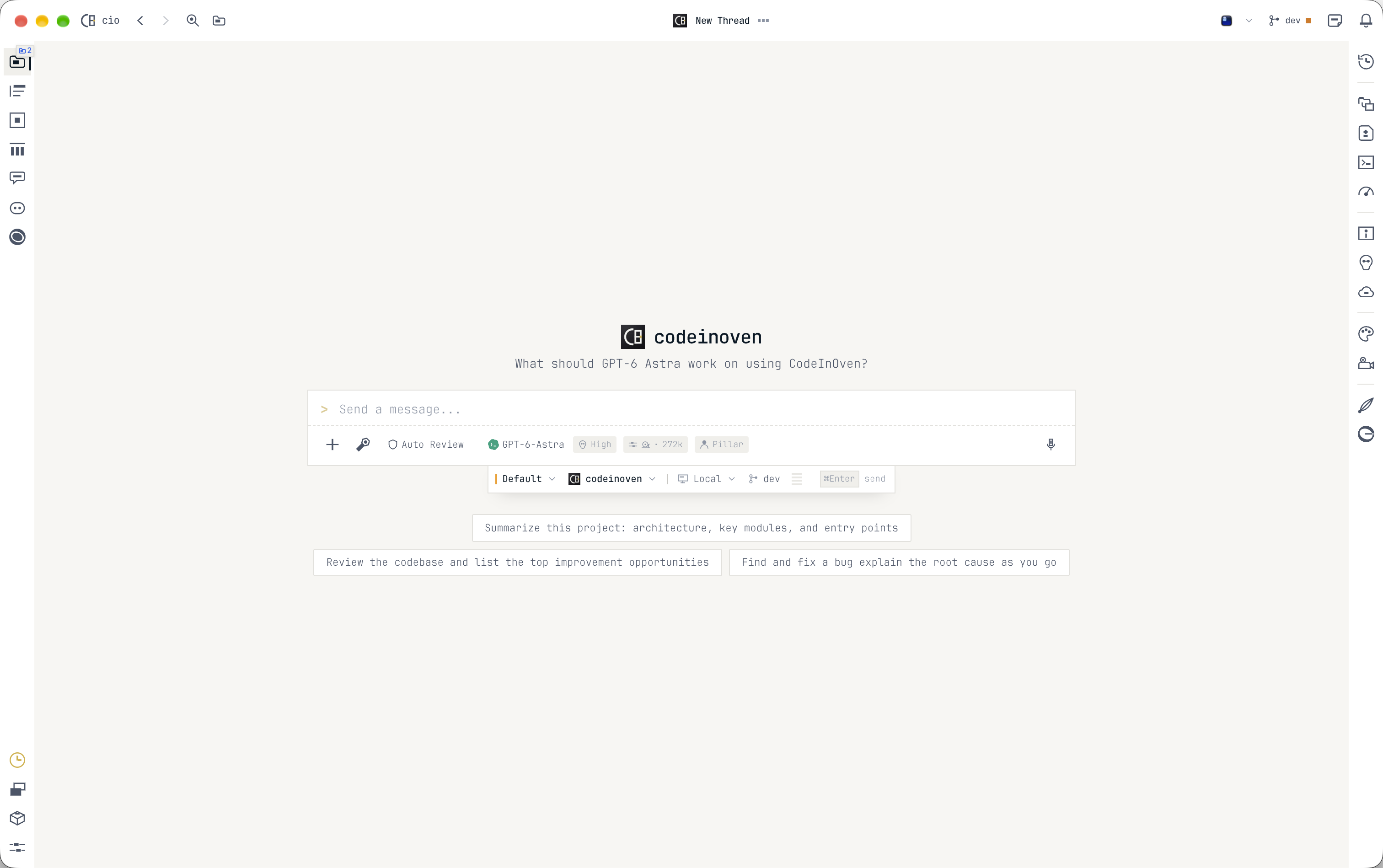
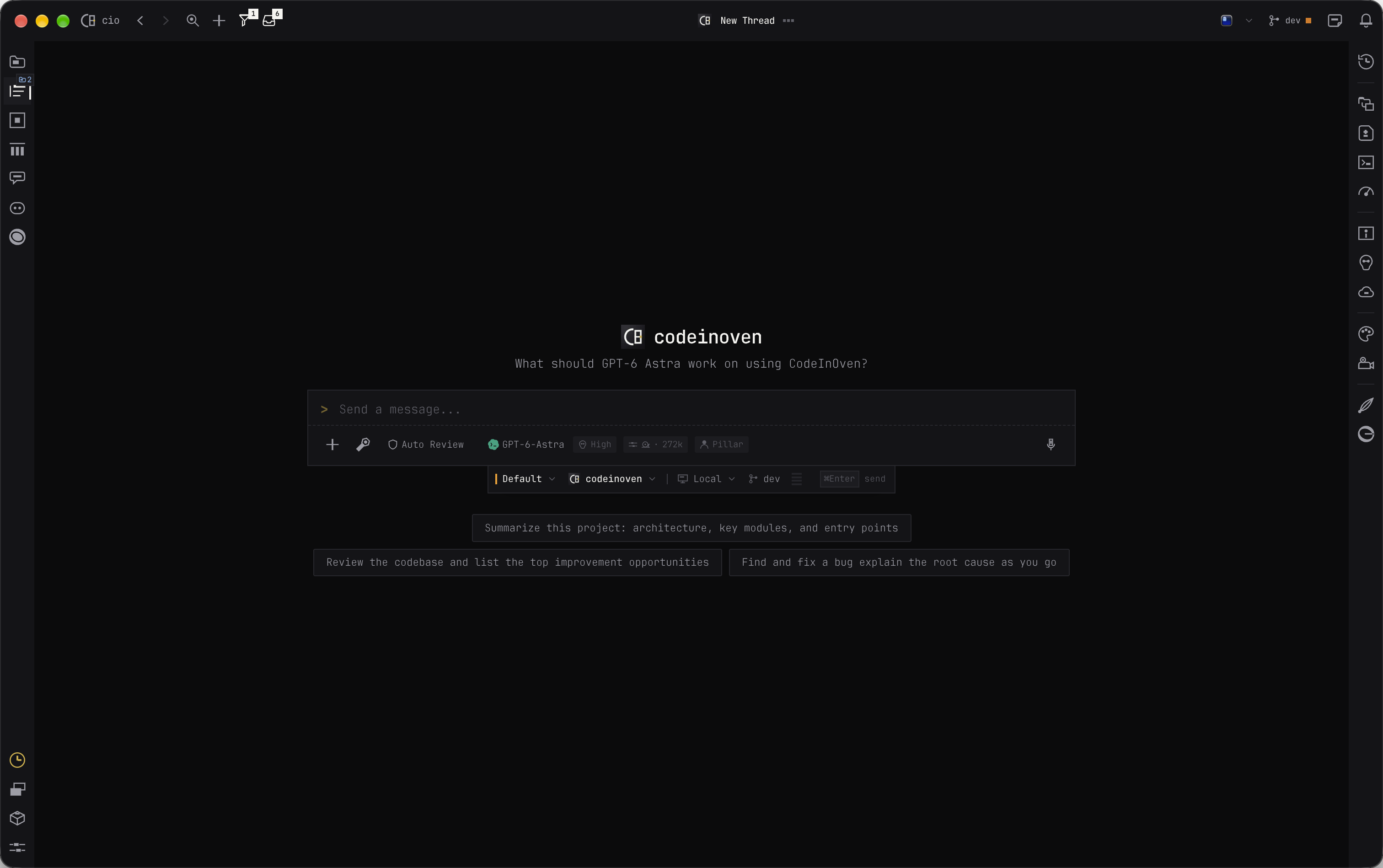
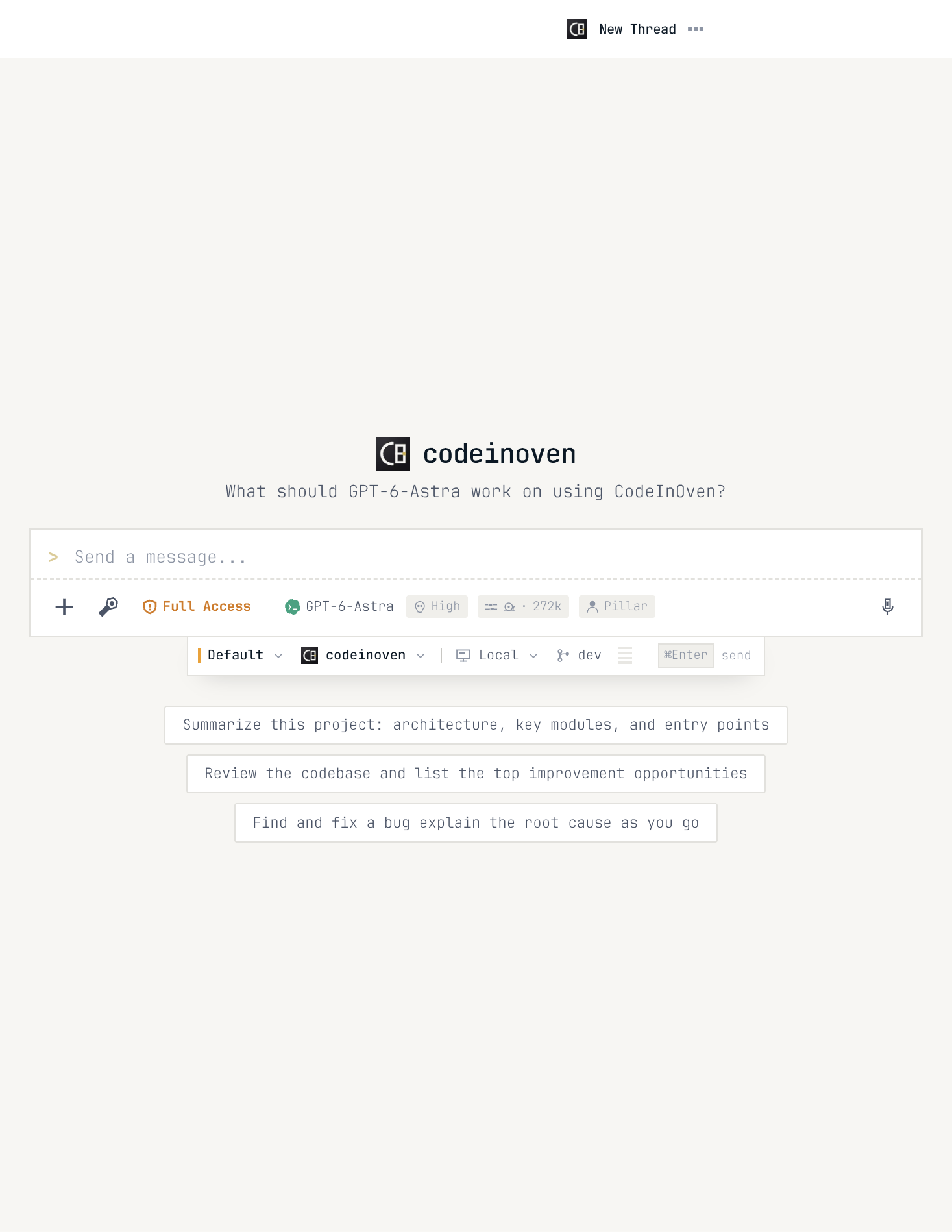
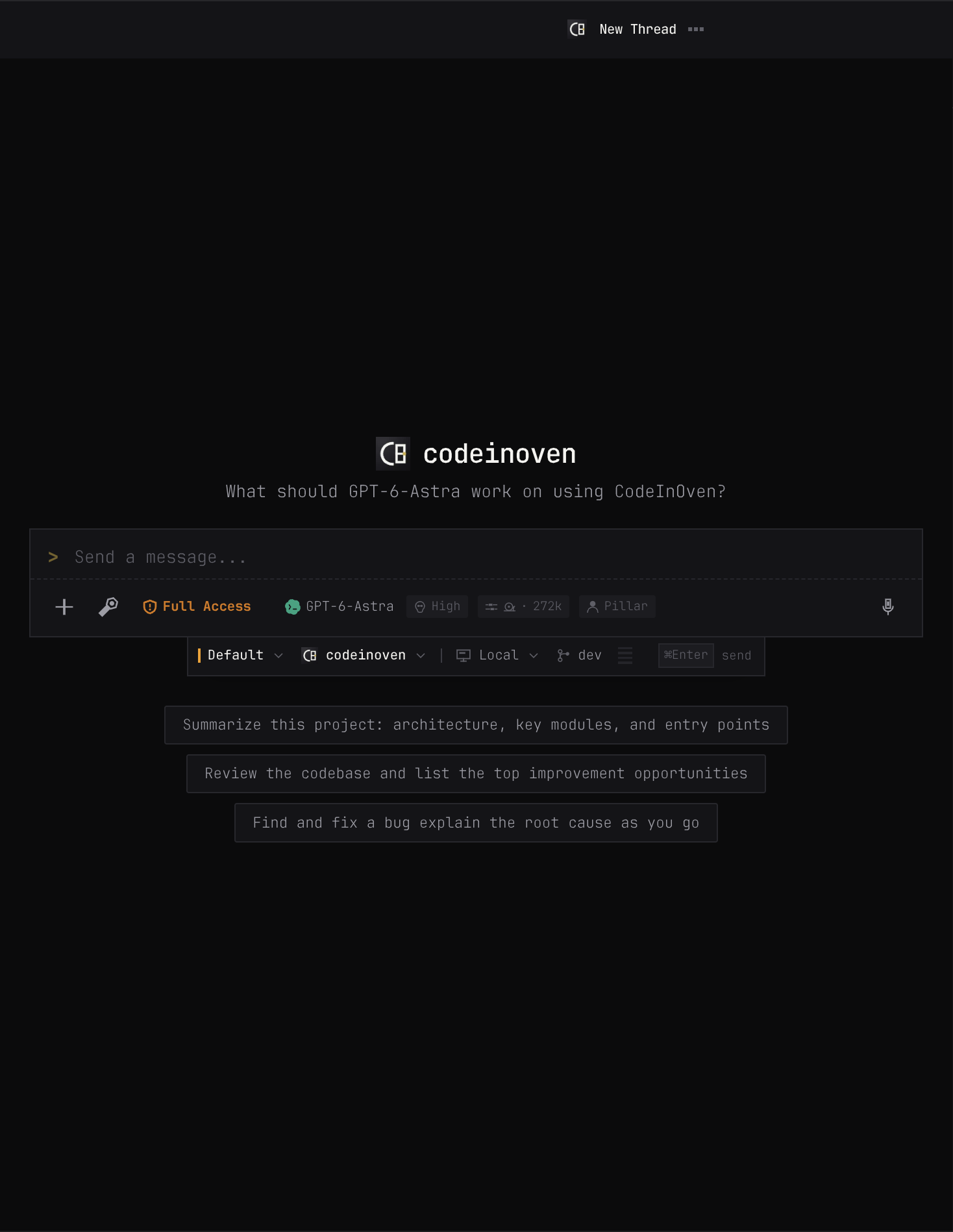
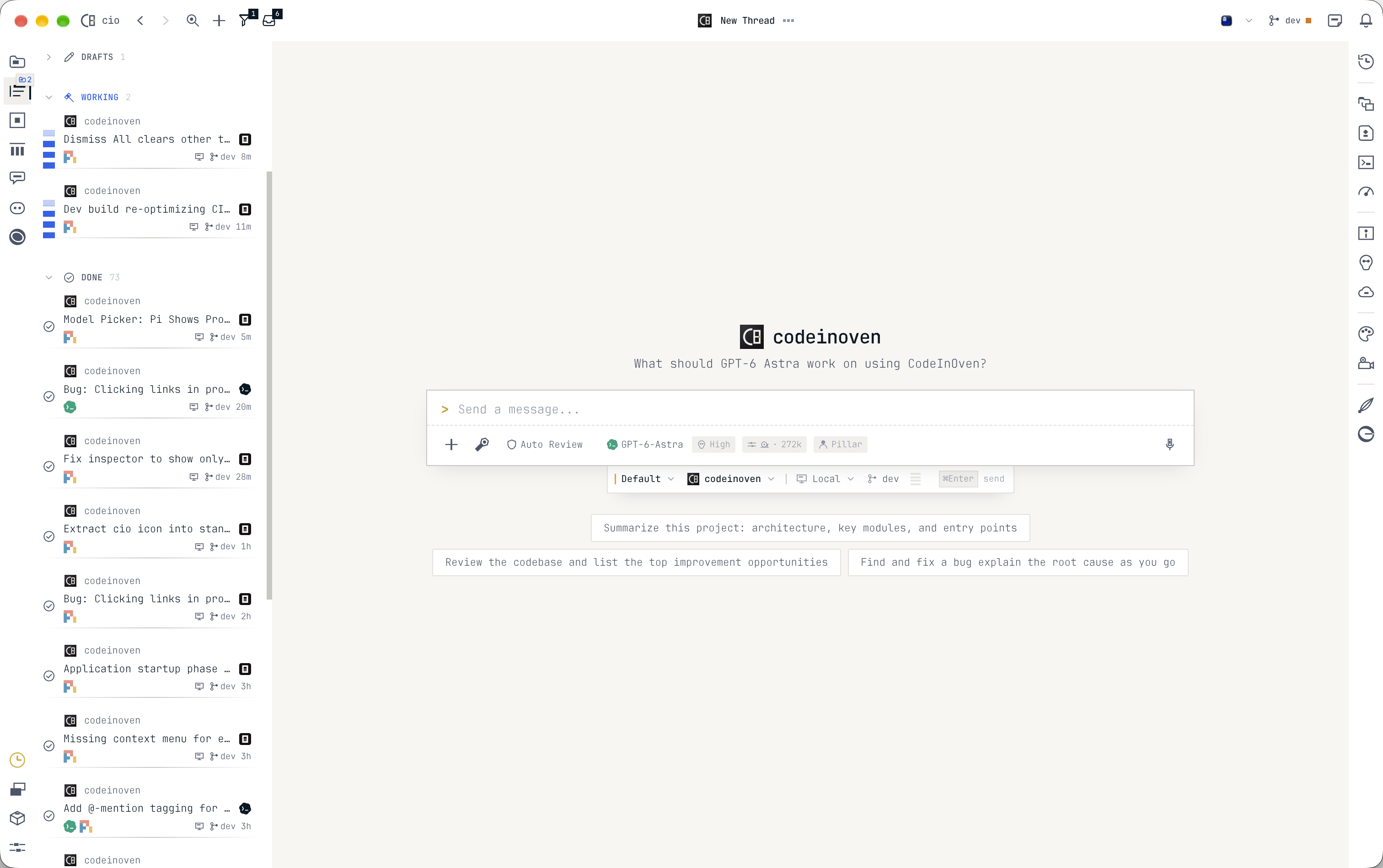
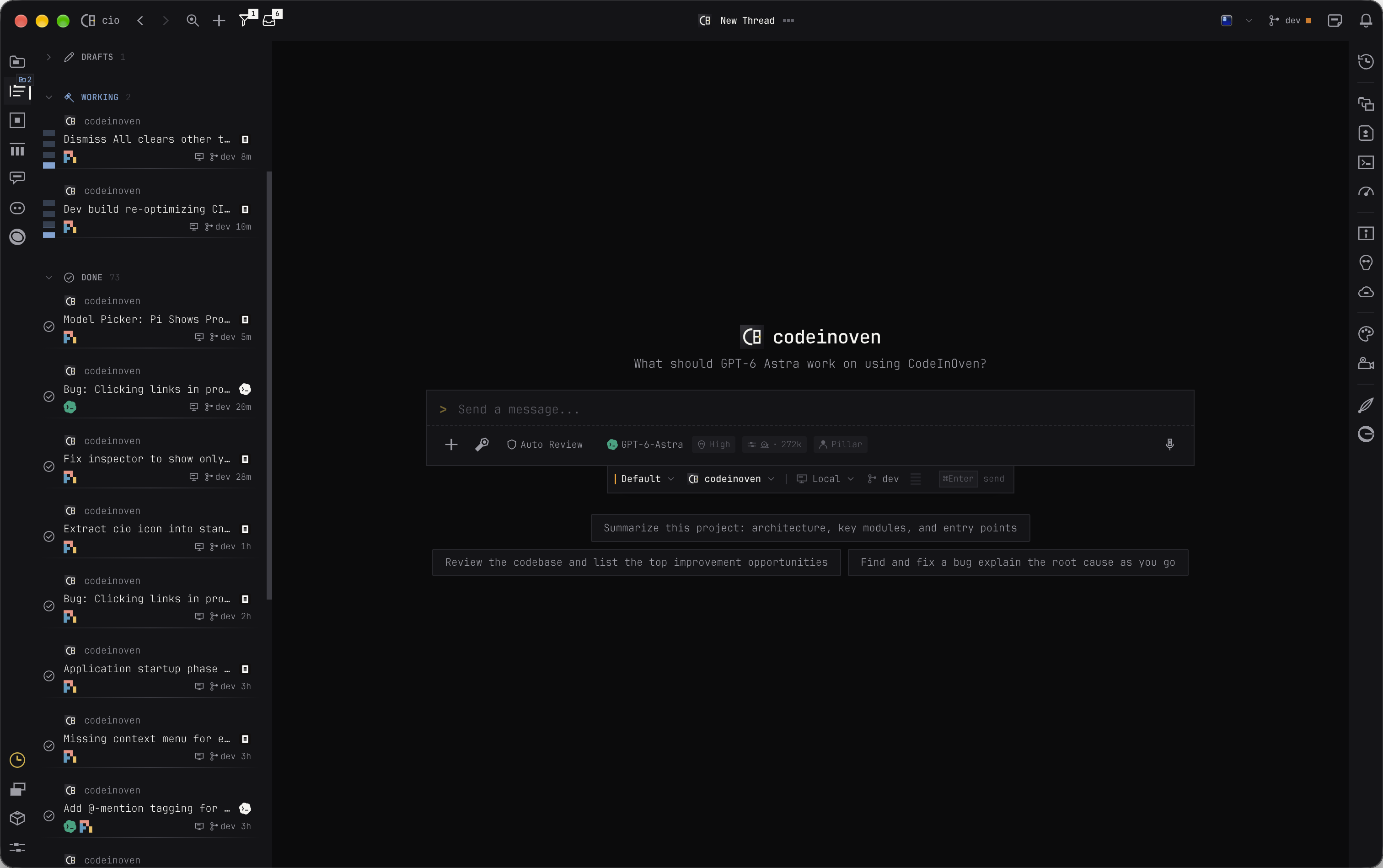
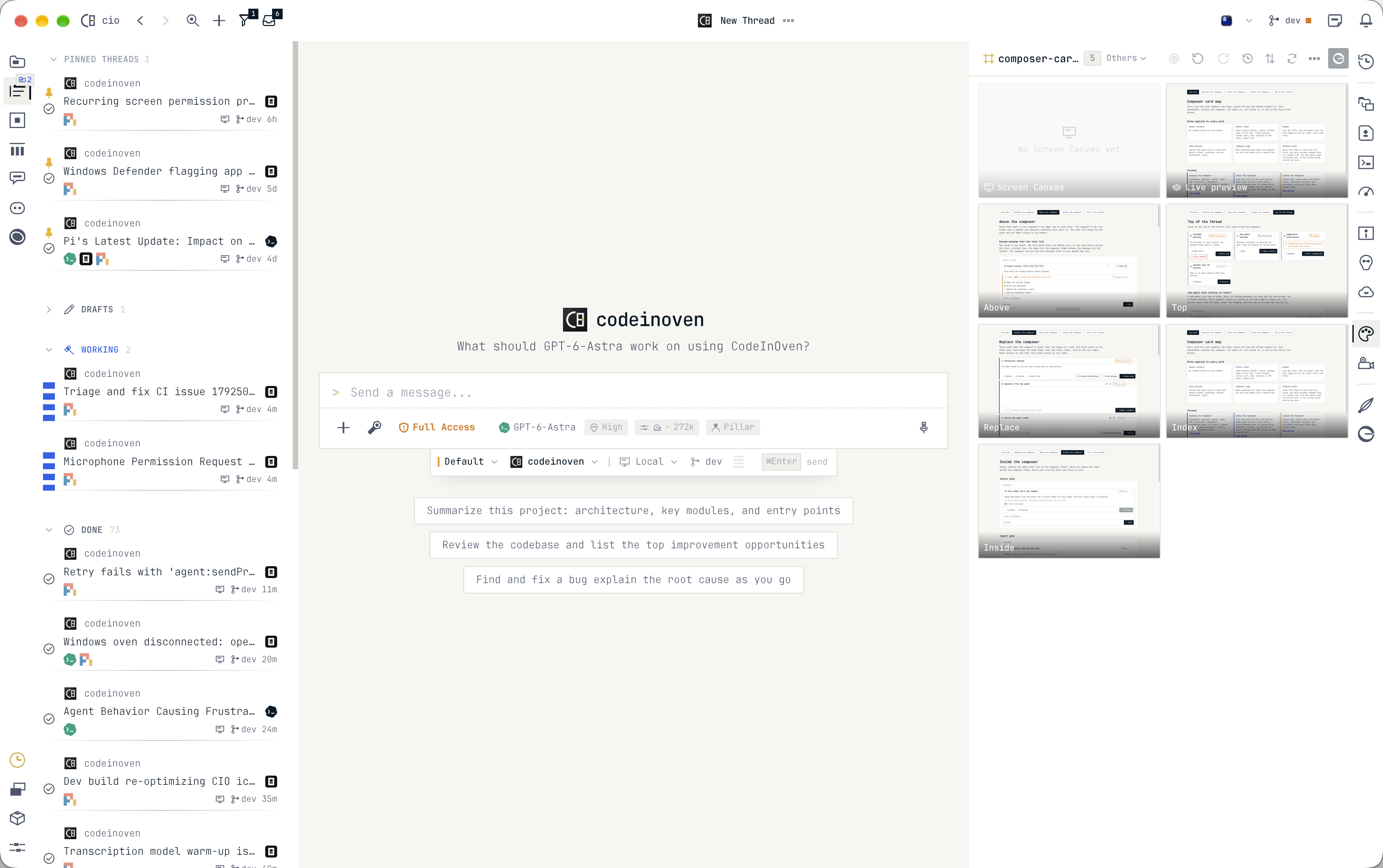
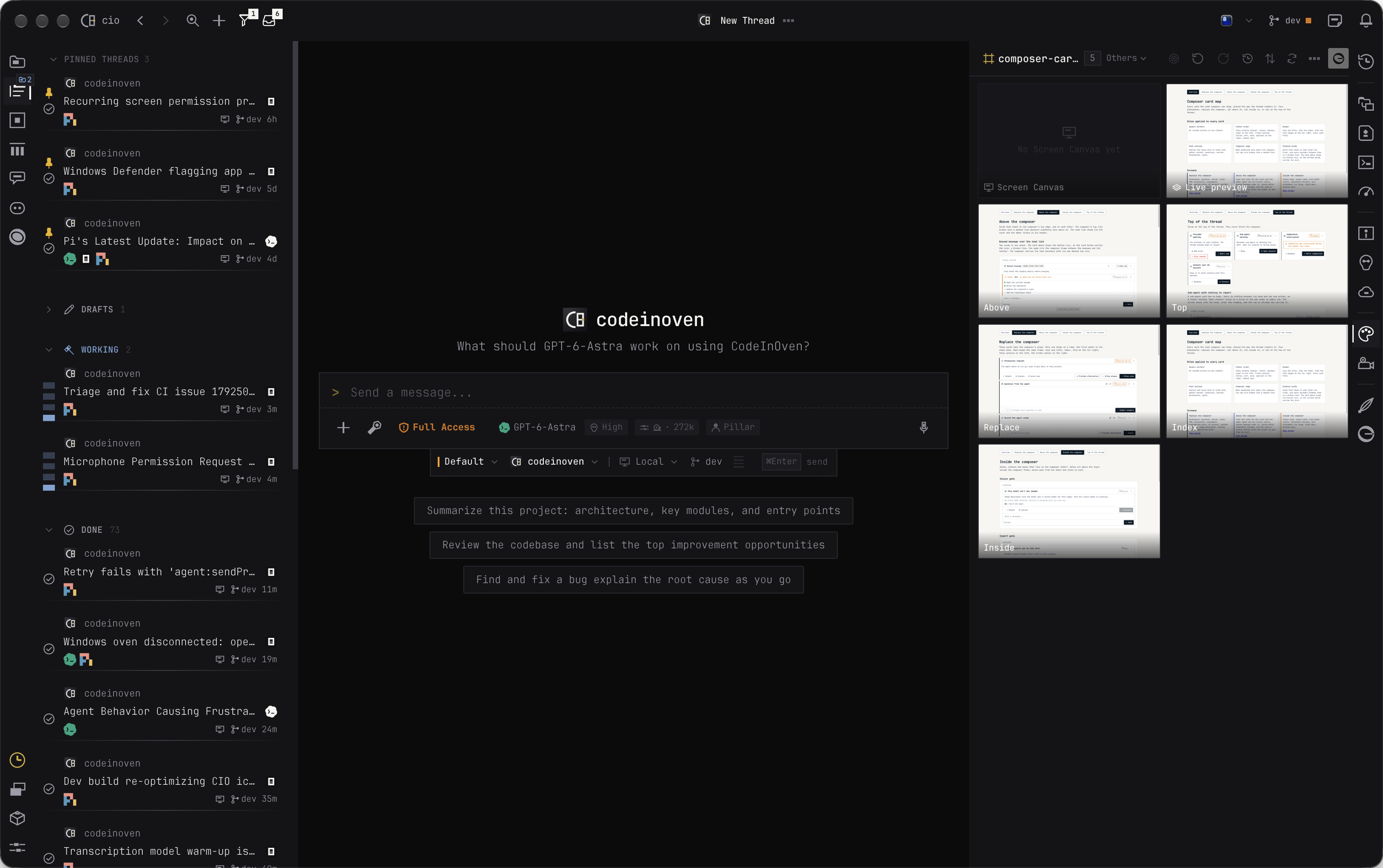
Research, create, launch, and grow your product in one workspace.
Think it through, research the opportunity, and shape a plan people will want.
Turn your research into a clear experience and a prototype you can try before you build.
Make the product real, try it as you go, and improve it until it is ready to ship.
Deploy, make launch videos, and share on social media. Track feedback and product health, improve SEO and AEO, and find your first users.
Ask for help with work on your computer, or set routines to bring you the updates that need your attention.
Follow product conversations on X and LinkedIn, Google Search Console, Bing Webmaster Tools, SEO, email, Sentry, and PostHog. Get a digest of what changed and what needs your attention.
Research, organize files, draft content, or work with connected services. Ask your assistant for help with everyday tasks on your computer or beyond your project.
CodeInOven is an open-source agentic development environment and alternative to T3 Code, Orca, and Cursor. Bring coding, design, video, browsing, and personal-assistant work together, with support for assistants like Grok Bot, OpenAI Dots, Claude Cowork, Muse, OpenClaw, and Hermes.
Agents
 Pi
Pi Codex CLI
 Claude Code
 OpenCode
 Cline
Cline Antigravity
 Muse Code
Provider examples


Bring your existing AI subscription and use CodeInOven to get more done with it.
Connect your API directly, including a custom provider account. Usage goes to that provider, so you can use the setup that works for you.
Connect Ollama or LM Studio. The model runs on your machine.
Give agents full access to your computer while keeping API keys in your operating system’s secure vault.
API keys stay in your operating system’s secure vault and are injected for requests, so agents cannot read the stored secrets.
Review proposed memories of your preferences before saving them. Edit or delete each memory whenever it is no longer useful.
Give an experimental task its own worktree, keep your main project untouched, and bring the changes back when you are ready.
Linux .deb (x64) · Linux .deb (arm64) · Browse the latest releases.
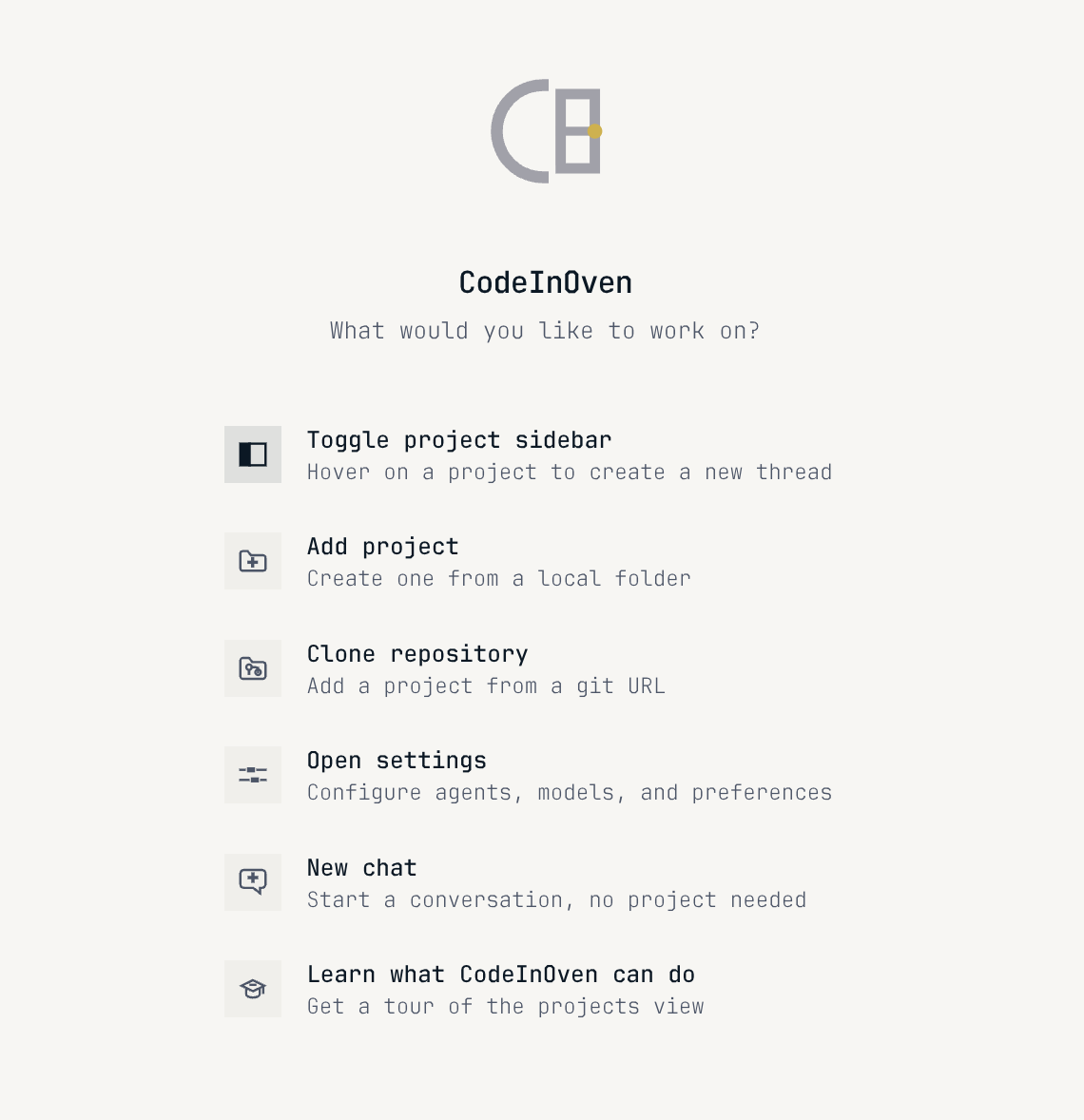
What CodeInOven can do, how it works with your tools, and what you need to get started.
CodeInOven (CIO), also searched as Coding Oven, is a free, open-source AI editor and agentic development environment. Use AI to build websites and mobile apps, create graphics and videos, manage Git, and deploy to cloud platforms such as Coolify. Work on your computer, connect cloud sandboxes, or run across networked devices. We call these workspaces ovens.
T3 Code and Orca are primary competitors in the agentic development space. Like them, CodeInOven coordinates coding agents such as Codex CLI, Claude Code, OpenCode, and Pi. Pi comes bundled so you can start immediately. Unlike single-purpose tools, CodeInOven acts as a full agentic control plane combining code editing, cloud sandboxes, connected devices, and autonomous background execution with completion pings.
Personal assistants like Grok Bot, OpenAI Dots, Claude Cowork, Muse, OpenClaw, and Hermes provide conversational help and basic tooling. CodeInOven integrates with these assistants while providing an engineering-grade control plane: autonomous agents work in background cloud sandboxes or networked devices, alerting you when done so you never need to be chronically online.
Use Pi, Codex CLI, Claude Code, OpenCode, Cline, Antigravity, and Muse Code. Pi comes bundled; supported installed agents can be used from the same workspace.
Yes. Connect a local model server with a custom base URL. CodeInOven supports OpenAI-compatible and Anthropic-compatible APIs, so you can use a server that exposes either format.
Yes. CodeInOven includes a code editor, terminal, browser, and direct access to your project files. You can keep using other tools too.
Your chosen agent or model provider receives the context needed for each request. Connect your existing account or API key and keep using your provider directly.
CodeInOven is free and open source under the MIT license. Connect your existing AI account and subscription; provider usage charges still apply.